

Connect Soluta to Claude, ChatGPT, Grok
Connect once, then ask about and record your books right in the conversation.
- Reads the books you choose: ledgers, invoices, reports.
- Writes to the books only when you approve in the chat.
- Books are stored in Vietnam.
Claude opens a box already filled in with Soluta. Click Continue — Claude will ask you to check the source; the correct address is mcp.soluta.vn.
Illustration Sign in to Soluta, choose your company, click Cho phép (Allow).
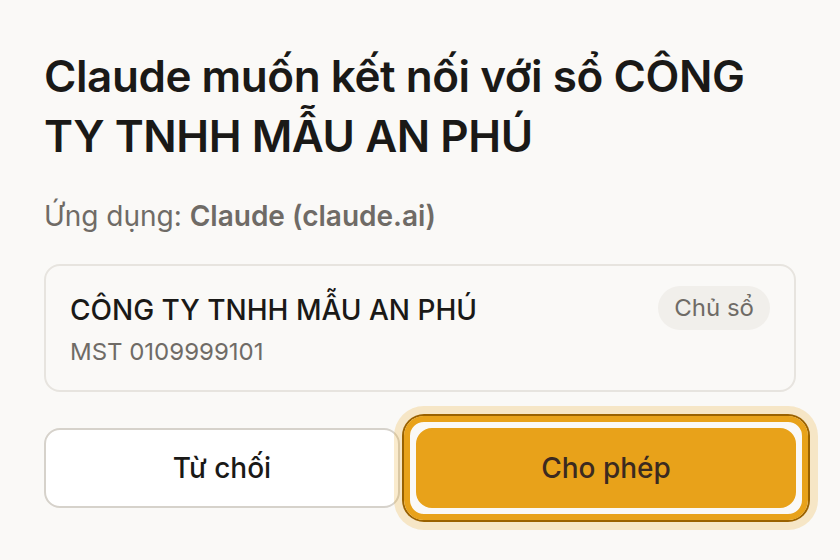
Soluta screen In the chat box, click + › Connectors and turn Soluta on.
Illustration
https://mcp.soluta.vn/mcpSettings › Plugins opens. Add a custom plugin: paste the address into Connection, choose OAuth, tick the confirmation, then click Create as a plugin.
Illustration Sign in to Soluta, choose your company, click Cho phép (Allow).
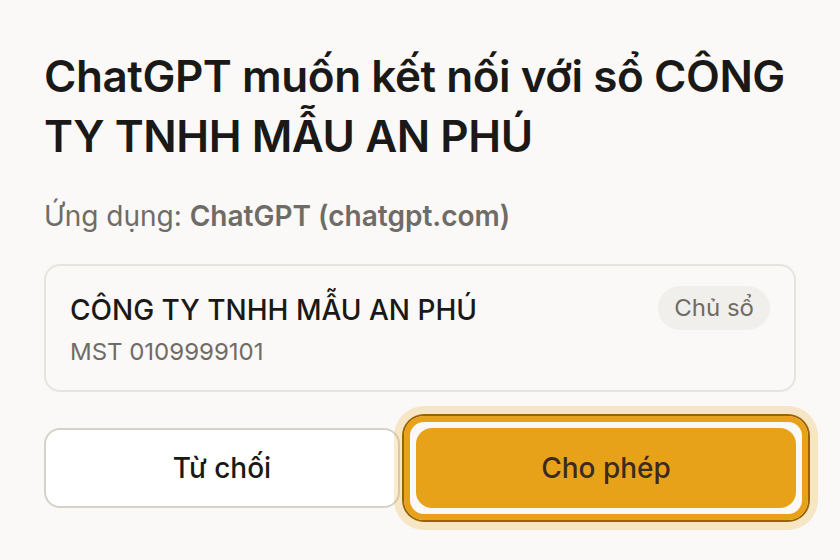
Soluta screen In Settings › Plugins › Soluta, set permission to Always ask so ChatGPT asks you before each proposal instead of refusing it.
Illustration In the chat box, type @ and pick Soluta.
Illustration
https://mcp.soluta.vn/mcpGrok’s Connectors page opens. Click New Connector, choose Custom, then paste the address above.
Sign in to Soluta, choose your company, click Cho phép (Allow).
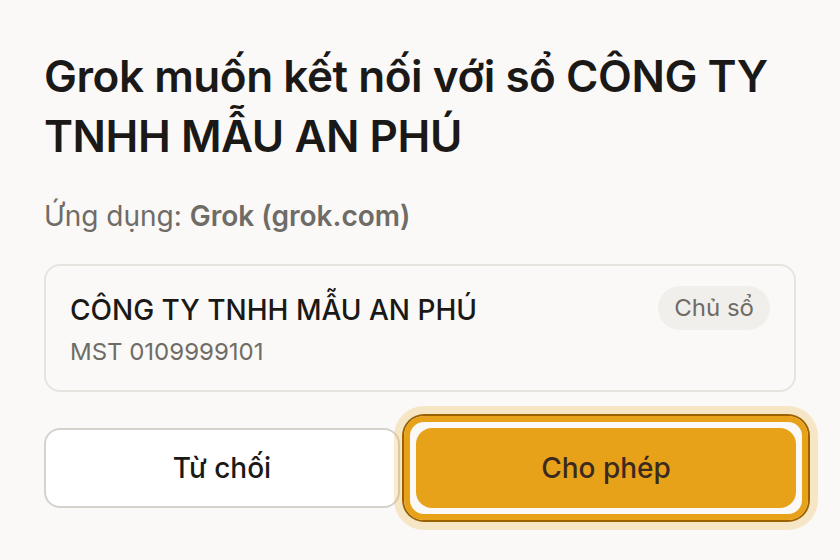
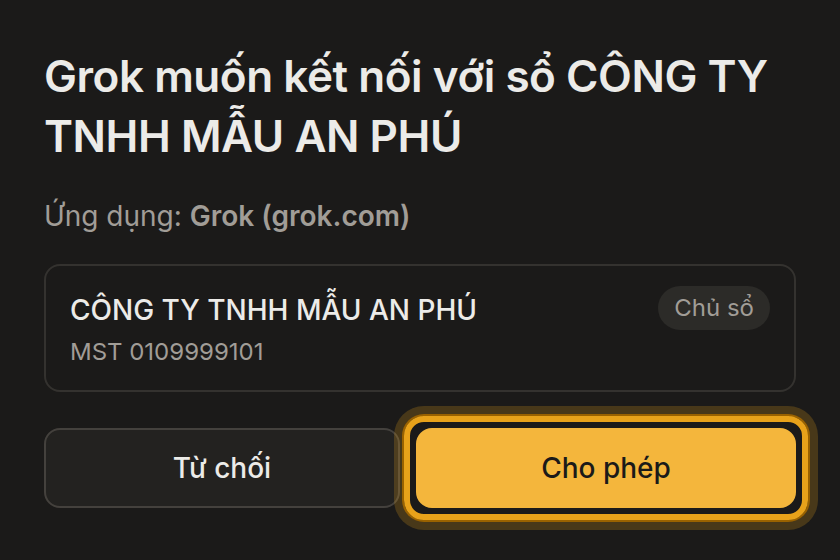
Soluta screen Ask in the chat as usual — Grok uses Soluta on its own when the question is about your books.
No account yet? Create an account · Watch guide 1
Try asking
Who has owed me for more than 30 days?Ledger data will pass through an AI provider abroad. You are responsible for making sure personal data in your books may be transferred. See Terms, section 3.
Banks you can link
Soluta currently links business bank accounts only.
Other banks: see the Cas ID guide.
If your bank is not on the list, Soluta cannot fetch its transactions automatically yet — upload your bank statement as usual.
Plans and limits
- Claude Free can add one custom connector; Pro and Max add it with the steps above. Team and Enterprise: an organization owner adds Soluta first under Organization settings › Connectors.
- ChatGPT: you need Developer mode or a Business plan. On Business or Enterprise, ask your workspace admin to enable it.
- Grok: according to xAI documentation, every Grok user can add connectors; on Grok Business / Enterprise an admin adds Soluta first.
Add manually
- Claude: Customize › Connectors › + Add › Add custom connector, name it Soluta, paste the address below.
- ChatGPT: chatgpt.com/plugins › + › Add custom MCP server, paste the address into Connection, choose OAuth.
- Grok: grok.com/connectors › New Connector › Custom, paste the address below.
https://mcp.soluta.vn/mcpBased on Claude documentation (read 10 October 2026), OpenAI documentation (read 11 October 2026) and xAI documentation (read 20 October 2026). Button names may change between versions.
Troubleshooting
- “Add to Claude” does not open the box?
- Sign in to claude.ai first and click again, or add it manually.
- No Add custom MCP server in ChatGPT?
- Turn on Developer mode, or ask your workspace admin (see Plans and limits).
- Claude Free says you have reached the connector limit?
- Remove an old custom connector, or upgrade your Claude plan.
- The Soluta page says you have no books yet?
- Create books at soluta.vn, then connect again.
- ChatGPT says the action was blocked by a safety check?
- Set the plugin permission to Always ask (Settings › Plugins › Soluta).
- Soluta does not answer in the chat?
- Check that Soluta is on: in Claude + › Connectors; in ChatGPT type @.
Several companies
Each connection uses one set of books — the one you chose when you clicked Allow. To use another set of books, add another connection, name it after the company (for example “Soluta – Company A”), and turn on only the connector for the company you are working on.
Disconnect
At soluta.vn › Settings › AI connections, or remove the connector in Claude / ChatGPT / Grok settings.
What Soluta reads and does
The app reads from the chosen books: company profile, ledgers and reports, customers and suppliers, invoices and documents, payroll if any. The app only drafts proposals; the books change only when you approve in the chat. Soluta does not store original document files. Details in the Privacy Policy.
Need help? info@soluta.vn · (+84) 868 236 369