

‹ Guides · Guide 1 of 6
Connect and ask your first question
Connect Soluta to Claude or ChatGPT, then ask your books a question.
Try this question
How is the company doing this month?Steps
Open soluta.vn/ket-noi and click “Add to Claude”.
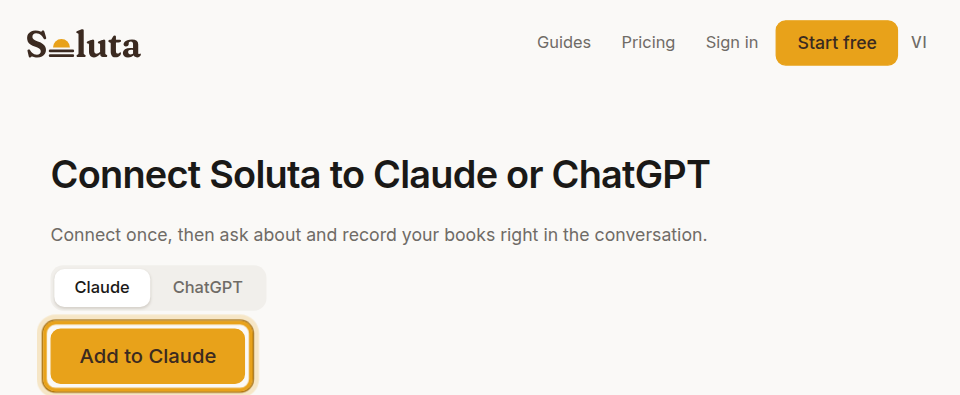
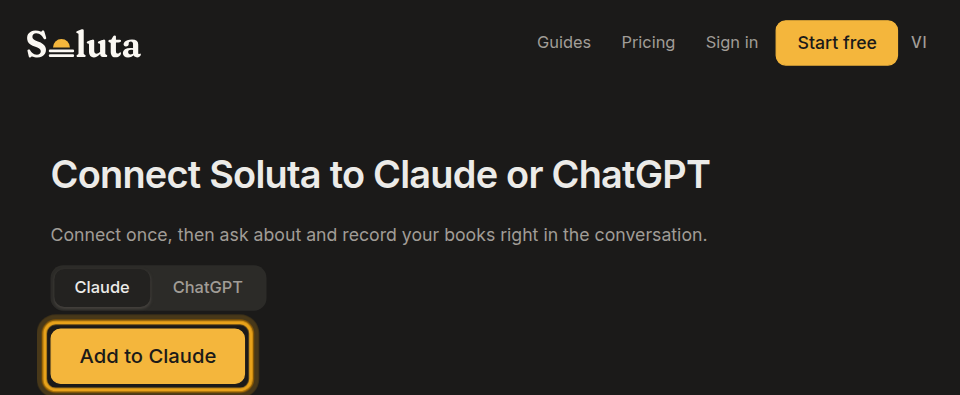
Soluta screen Claude opens a box already filled in with Soluta — click “Continue”.
Choose the company to connect, then click “Allow”.
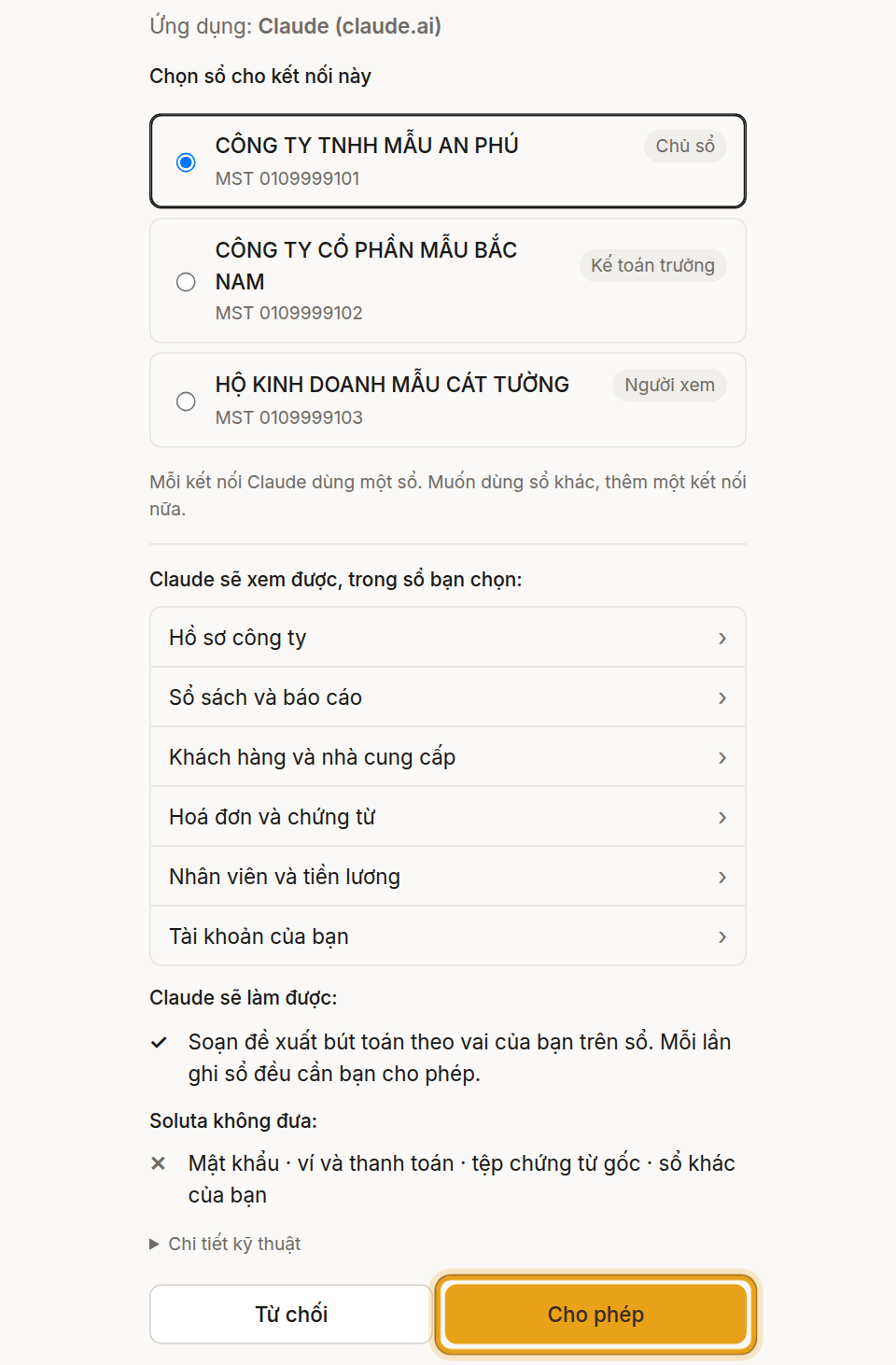
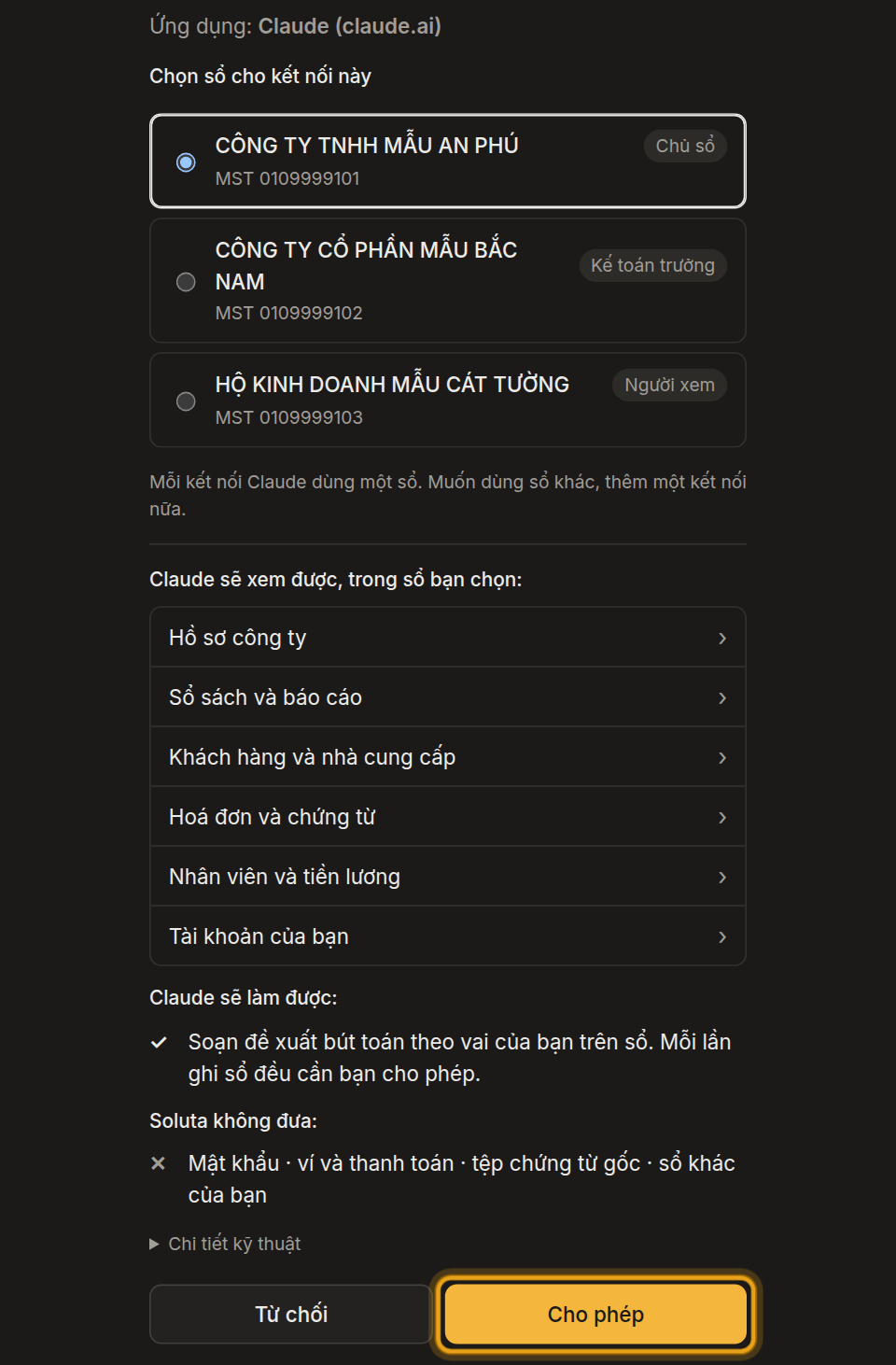
Soluta screen In the chat box, click “+” › “Connectors” and turn Soluta on.
Ask a question — Soluta answers with figures from your books.


What you will see
- Soluta appears in Claude’s Connectors list.
- The answer uses figures from the books you chose when you clicked Allow, with the period and the source.
Steps
Open soluta.vn/ket-noi, choose “ChatGPT” and click “Open ChatGPT”.
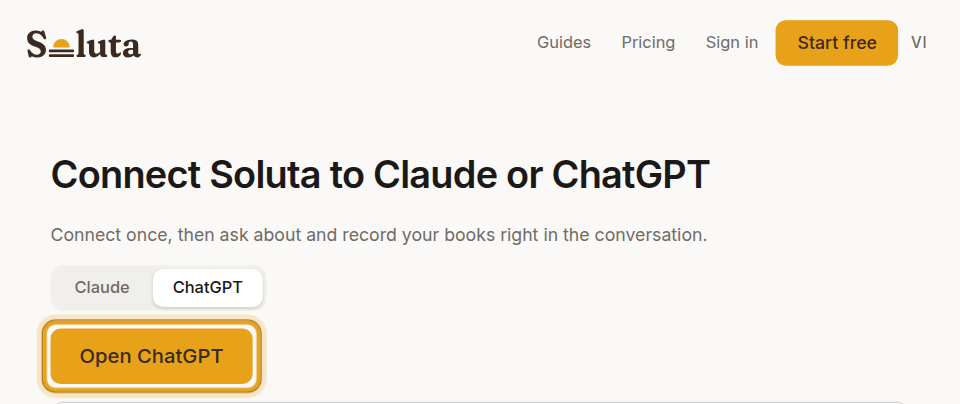
Soluta screen In Settings › Plugins, click “+” › “Add custom MCP server”, paste the address, choose OAuth, tick the box and click “Create as a plugin”.
Choose the company to connect, then click “Allow”.
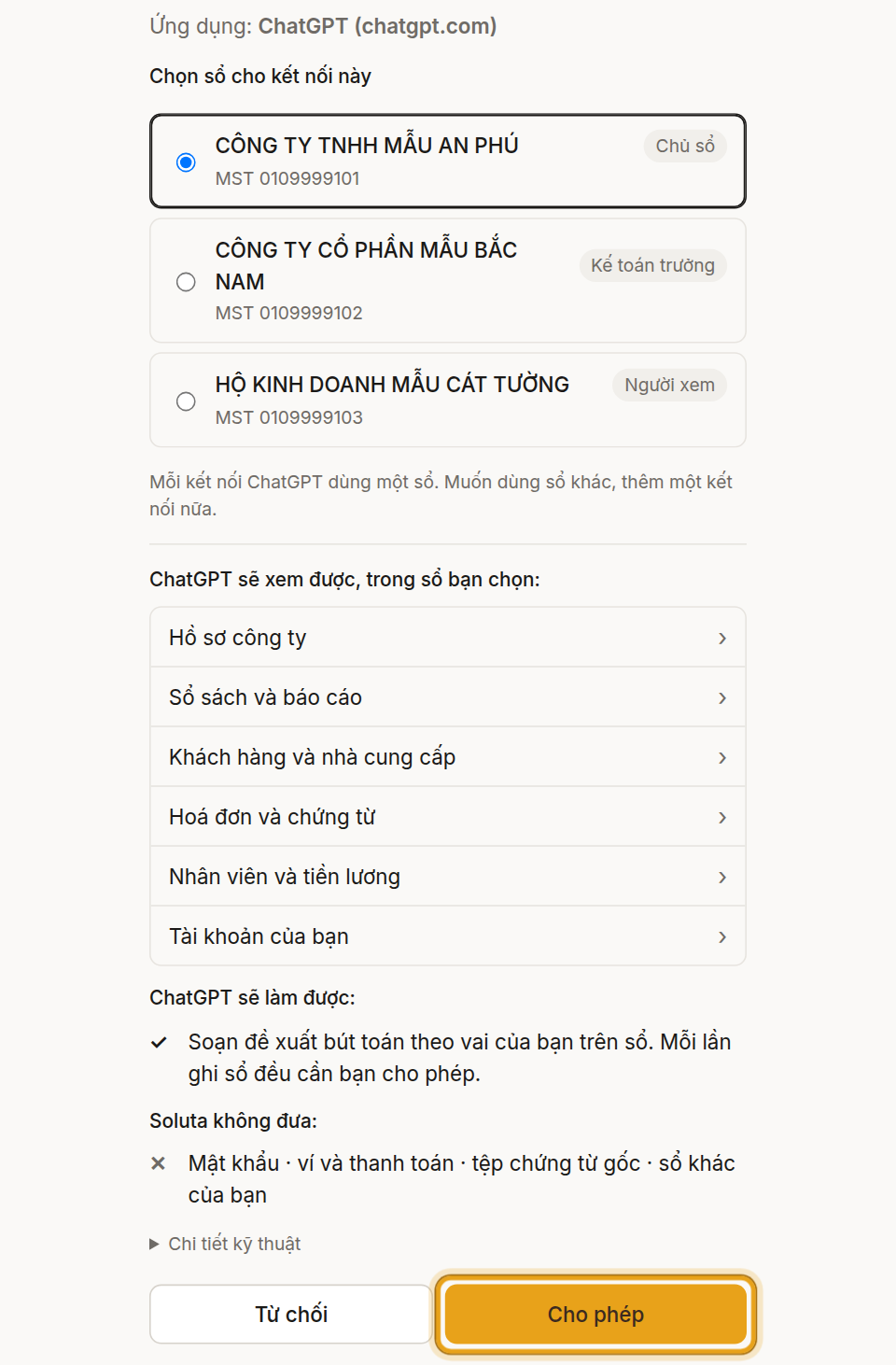
Soluta screen In Settings › Plugins › Soluta, set permission to “Always ask” so ChatGPT asks you before each proposal.
Type “@”, pick Soluta and ask; click “Allow once” — Soluta answers with figures from your books.


What you will see
- Soluta appears under Settings › Plugins in ChatGPT, with permission “Always ask”.
- The answer uses figures from the books you chose when you clicked Allow, with the period and the source.
Pictures and videos use sample books with illustrative figures.