

‹ Guides · Guide 2 of 6
Load e-invoices, approve and edit on the card
Bring purchase invoices into the books: Soluta drafts the entries, you approve.
Try this question
Get this month’s incoming e-invoices and draft the entries for me.Steps
Ask Soluta to fetch incoming invoices and draft the entries.
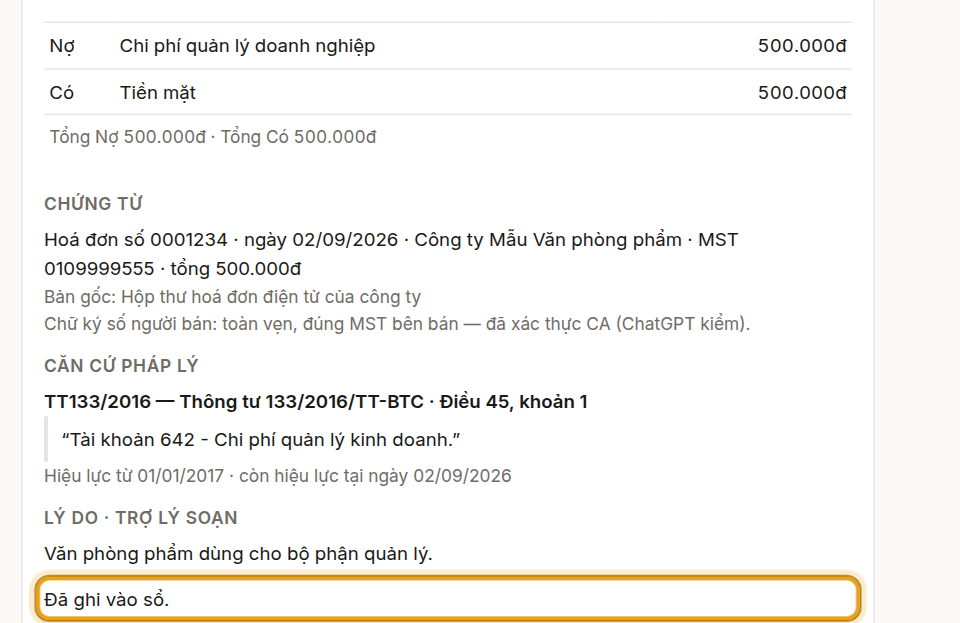
The proposal card shows up in the chat: documents, legal basis, entry.
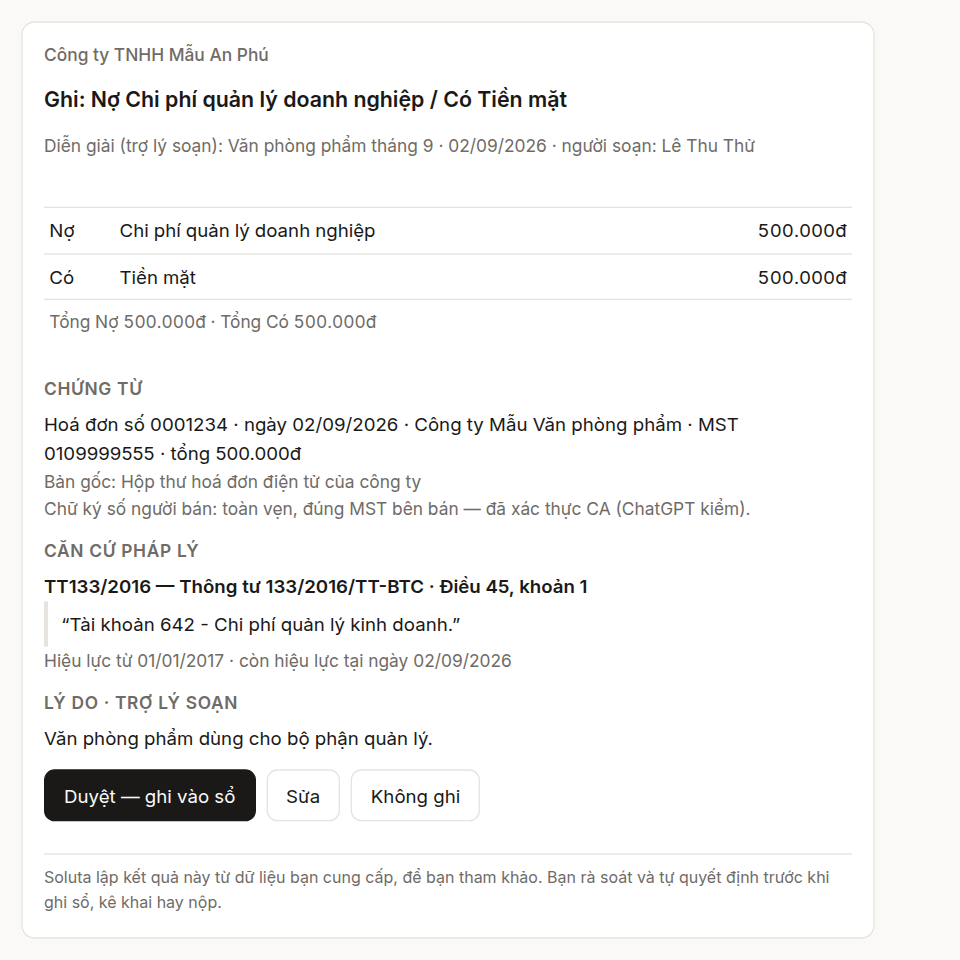
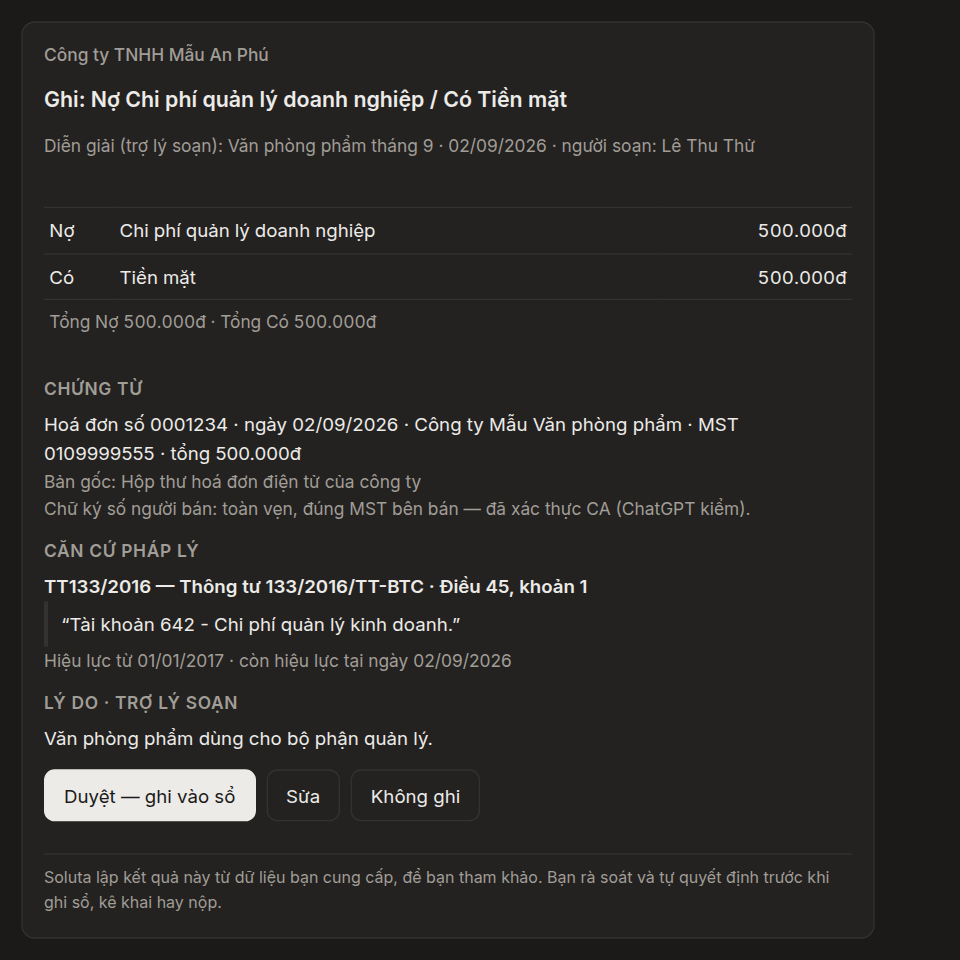
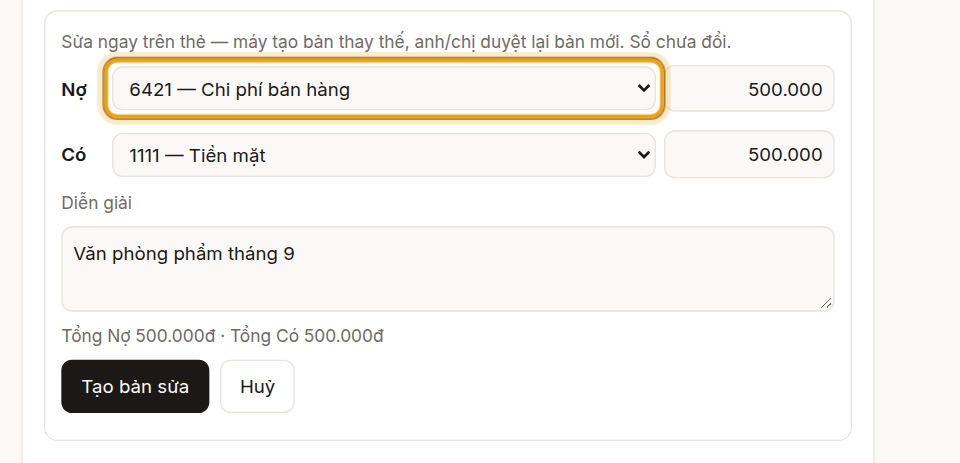
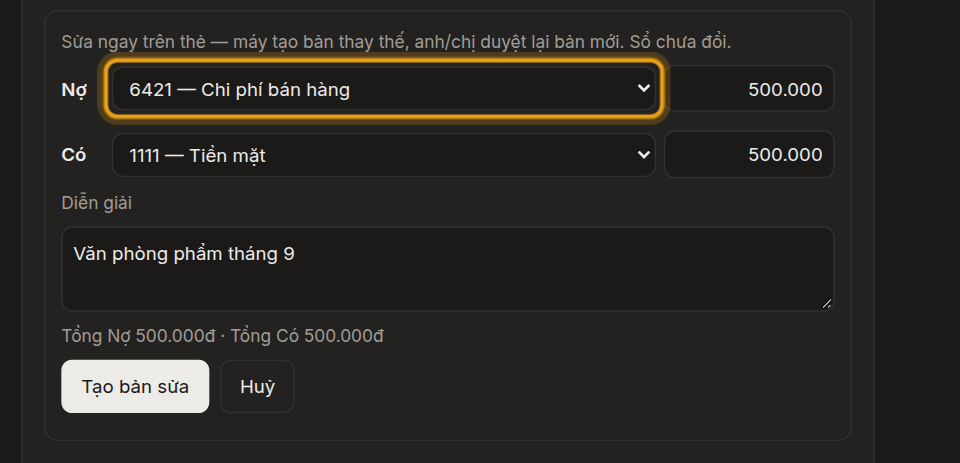
Soluta screen Click “Edit” to change an account or an amount — here, to 6421.
Soluta screen Click “Approve” — the entry is posted and the card confirms it.
Soluta screen


What you will see
- A proposal card appears right in the chat: documents, legal basis, debit / credit entry.
- You can click “Edit” to change an account or an amount before approving.
- The books change only when you click “Approve”.
Steps
Ask Soluta to fetch incoming invoices and draft the entries. When ChatGPT asks, click “Allow once”.
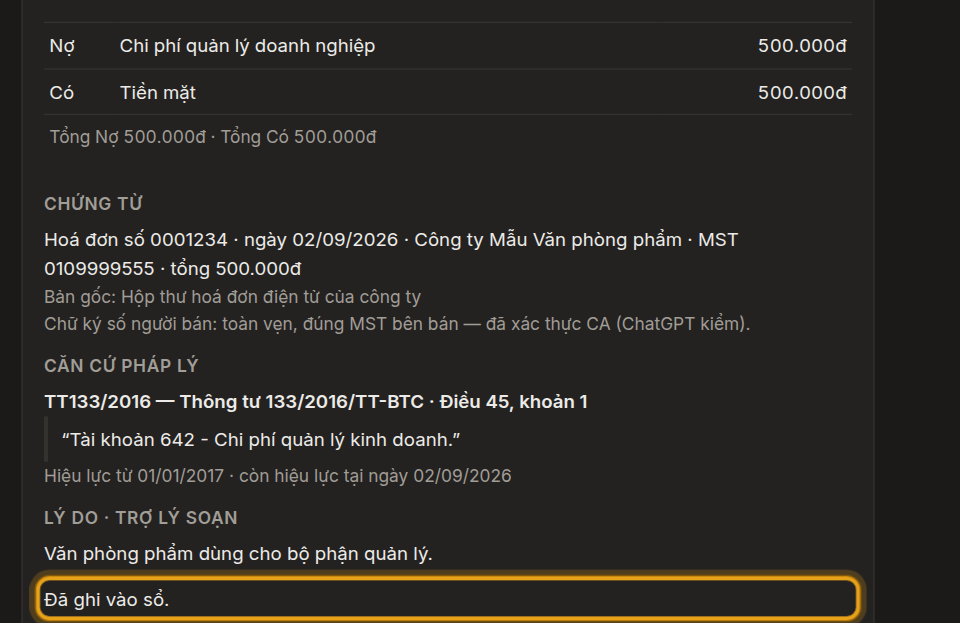
The proposal card shows up in the chat: documents, legal basis, entry.
Soluta screen Click “Edit” to change an account or an amount — here, to 6421.
Soluta screen Click “Approve” — the entry is posted and the card confirms it.
Soluta screen
What you will see
- A proposal card appears right in the chat: documents, legal basis, debit / credit entry.
- You can click “Edit” to change an account or an amount before approving.
- The books change only when you click “Approve”.
Pictures and videos use sample books with illustrative figures.