

‹ Guides · Guide 4 of 6
Build a report, export to Excel or PDF
Pull a report from the books and download a printable file.
Try this question
Prepare the 2026 income statement and export it to Excel.Steps
Ask Soluta for the report — a summary appears in the chat.
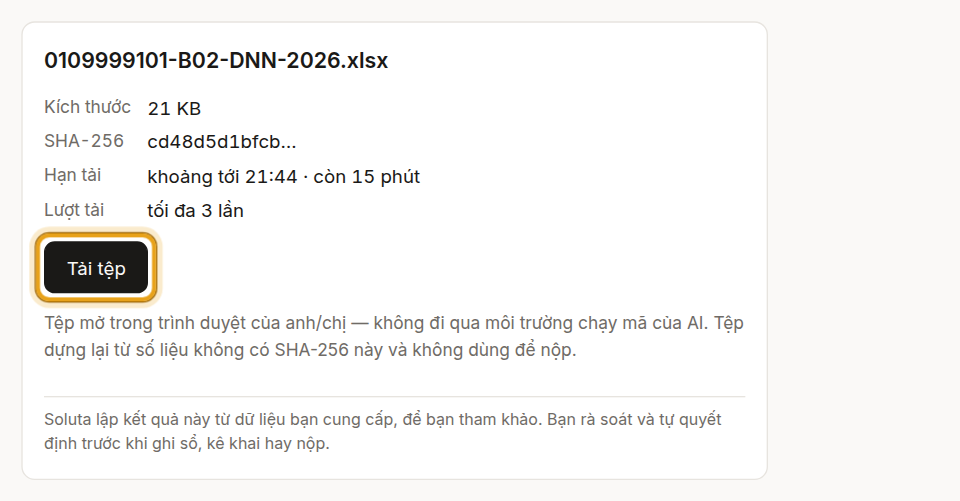
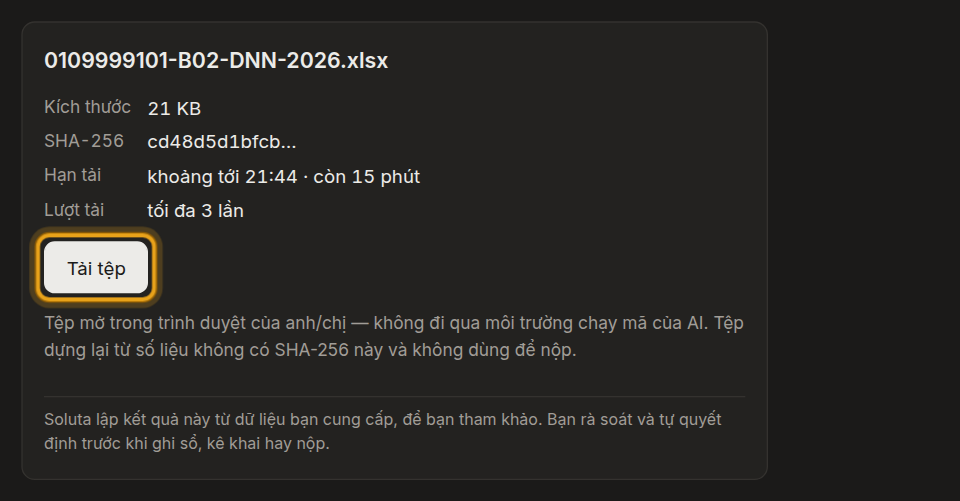
A download card appears — click to get the Excel file.
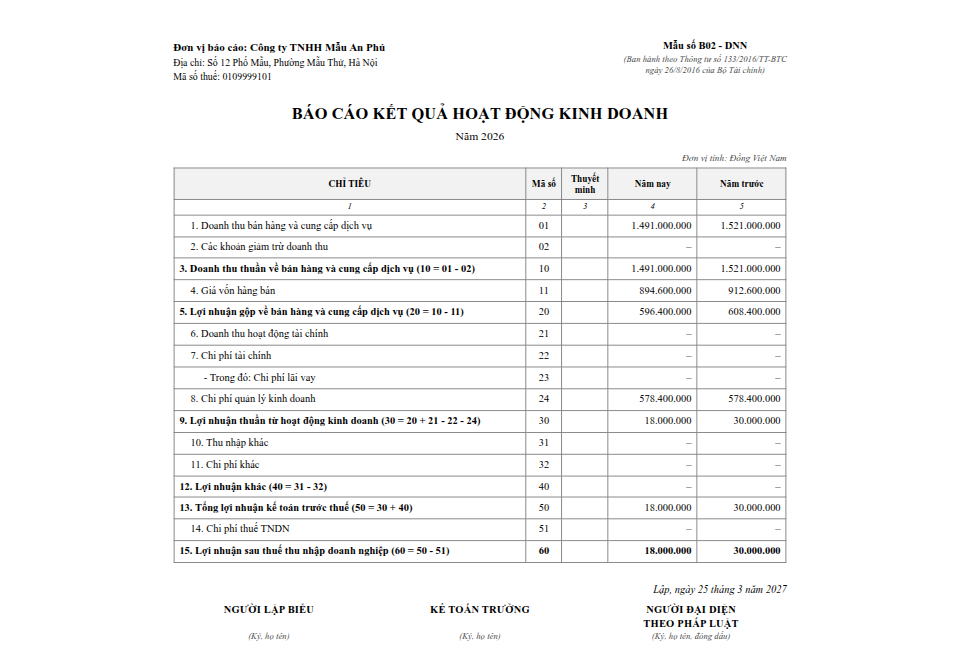
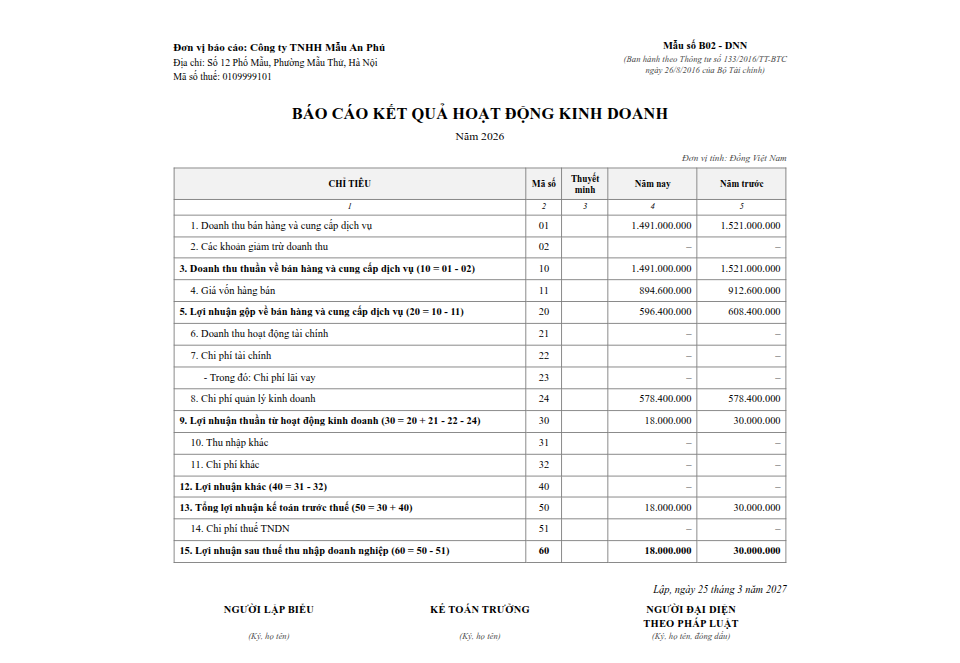
Soluta screen The file follows the statutory template and is ready to print.
Soluta screen


What you will see
- A summary of the line items right in the chat.
- A download card: click to get Excel or PDF, laid out to the statutory template.
Steps
Ask Soluta for the report — a summary appears in the chat. When ChatGPT asks, click “Allow once”.
ChatGPT asks before it takes in the Excel file from Soluta — click “Allow once”.
The Soluta card appears — click “Tải tệp” (Download) to get the Excel file.
Soluta screen The file follows the statutory template and is ready to print.
Soluta screen
What you will see
- A summary of the line items right in the chat.
- A download card: click to get Excel or PDF, laid out to the statutory template.
- ChatGPT asks “Allow file materialization?” every time it receives a file, even after you set Soluta’s permission.
- The link on the Soluta card lasts 15 minutes, up to 3 downloads; after that, ask for a new export.
- ChatGPT may also show its own file card under the answer (its wording can vary); downloading from the Soluta card is the reliable way.
Pictures and videos use sample books with illustrative figures.